The email reader*
for deep work.
You aren’t here to manage clutter.
Use a calm space for reading.
macOS · Gmail · IMAP · Secure OAuth · SQLite Cache · Open Source
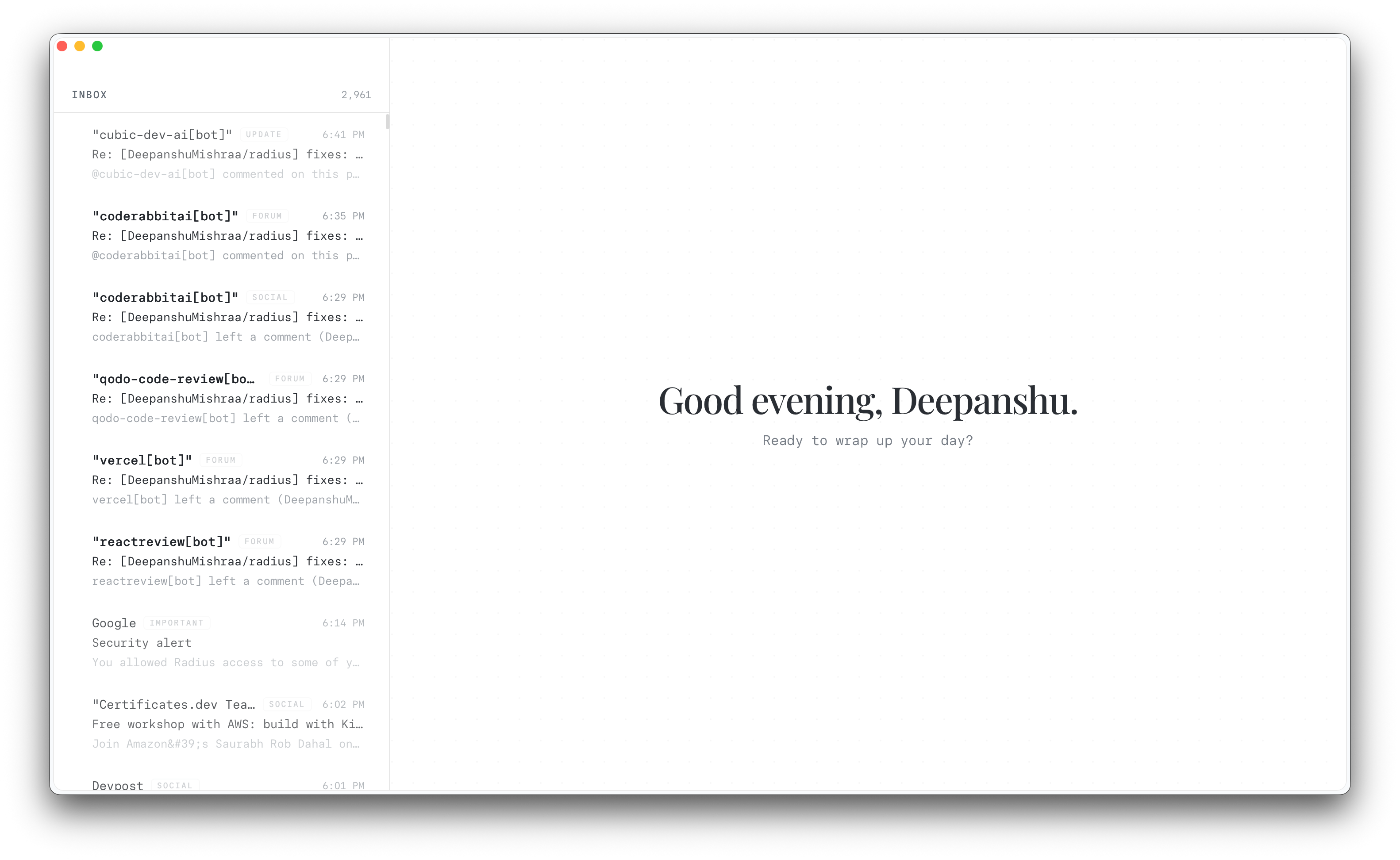
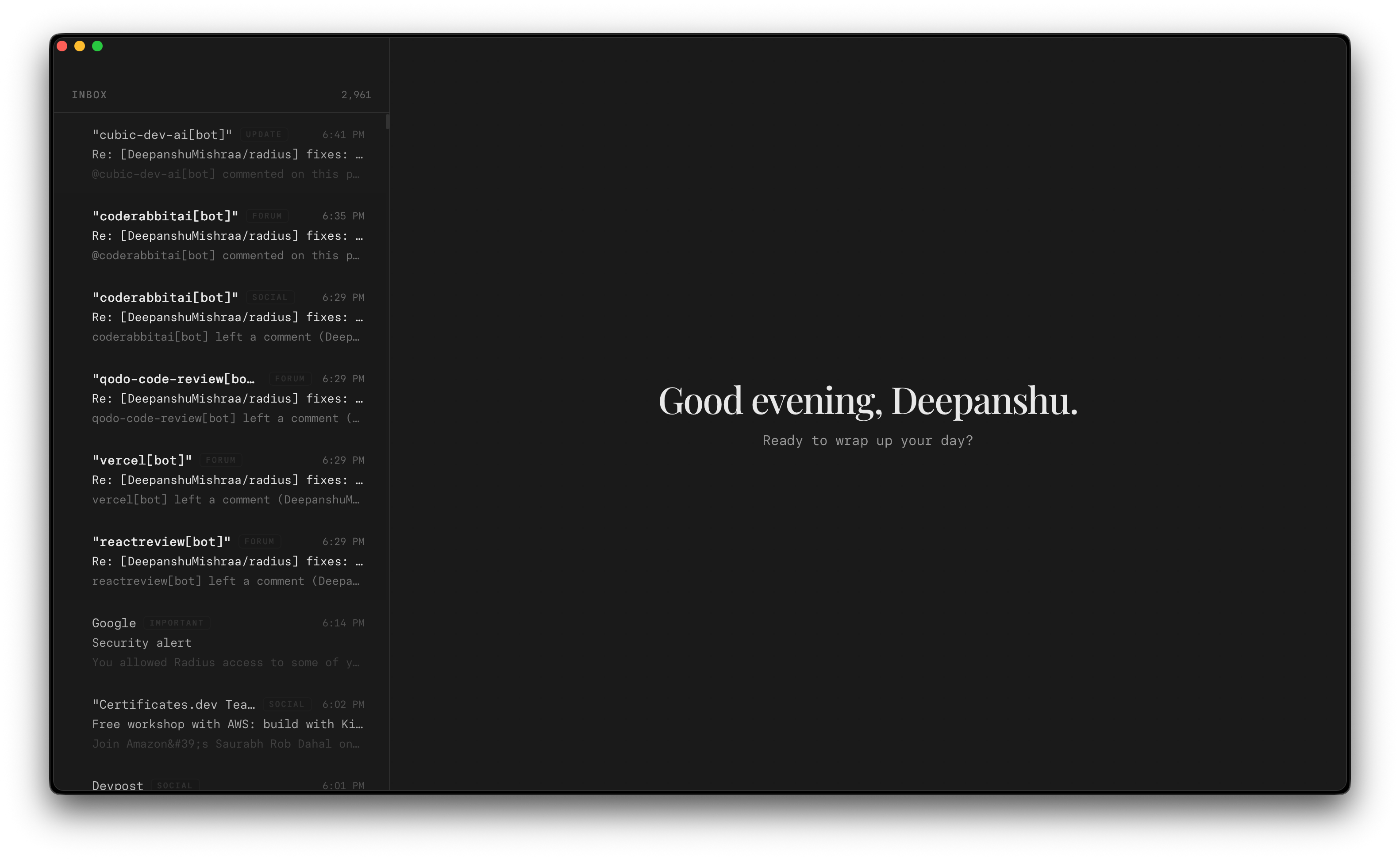
Typographic Reader
Focused reading in a centered 680px column using Newsreader book serif. Generous, calm, designed for deep attention.
Typographic Composer
Compose and send messages without distractions. A quiet, plain-text first writing canvas designed for focus.
Zero-Lag Cache
Bun's native SQLite caches your inbox locally, bypassing slow API latency. Browsing and scrolling feels instant.
Gmail & IMAP Sync
Connect your personal Gmail (OAuth2 PKCE) or custom business domains via local IMAP. Syncs automatically.
Designed for comfortable reading, not scanning.
Most modern email clients treat the reading pane as a crowded, generic container. Radius reverses this trend by turning the message reader into the hero view.
Emails are rendered in a gorgeous, centered 680px column using book-like Newsreader serif at 18px. Generous line heights allow your eyes to process text naturally without clutter.
Additionally, our parsing engine automatically blocks hidden tracking pixels, strips analytical trackers, and sanitizes bloated HTML scripts locally to protect your deep focus.
Zero-lag, local-first cache.
Google's Gmail API is notoriously slow. Radius completely hides this latency from the user through its local-first cache.
Bun's built-in SQLite engine indexes your emails locally on your hard drive, allowing you to scroll through 10,000+ emails instantly at 120fps using list virtualization, even when entirely offline.
On startup, an incremental sync lifecycle automatically catches up on new messages in the background, keeping your local database warm and up-to-date.
A focused composer and multi-account IMAP.
Writing should feel as calming as reading. Radius includes a dedicated, plain-text first typographic composer.
The editor strips formatting tools, emojis picker overlays, and bloated signature buttons. What remains is a quiet canvas where you can write down your thoughts, auto-save drafts locally, and send when you are ready.
To keep all your work in one place, Radius also supports native custom IMAP configurations alongside Gmail, allowing you to sync your corporate mailboxes and business domain addresses under a single local SQLite cache.
- Google Workspace & Gmail OAuth: Fully Supported
- Custom Business IMAP: Fully Supported
- Focused plain-text composition: Enabled
radius.app
Drag to your Applications folder and experience a quiet, zero-lag place to read your email.
brew tap DeepanshuMishraa/radius https://github.com/DeepanshuMishraa/radius
brew install --cask radius